2.2. Login Page
The login page can be accessed via web browser using url: http://localhost:5445/. Note: this url is only for local installation. For server implementation, you need to access the IP address or DNS of the machine.

2.2.1. Sign Up
If you dont have any account, you can create new account by clicking Sign Up under anonymous tab on the top right panel
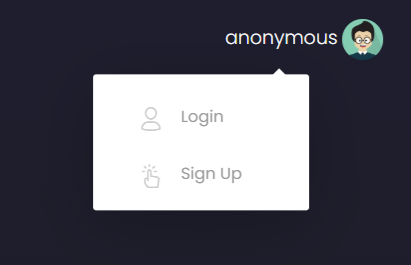
You will be directed to the sign up page.

Fill in the required information for the new user, such as email address, name, and password.
Click on the “Sign Up” button.
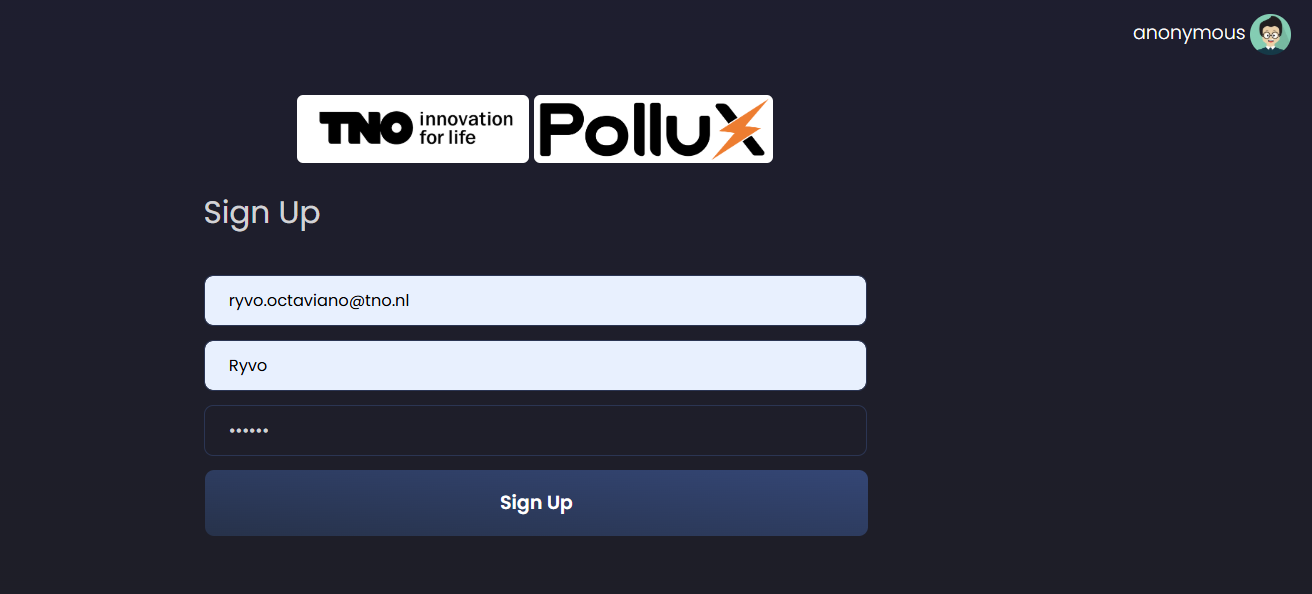
If success, you will be redirected to the main page.

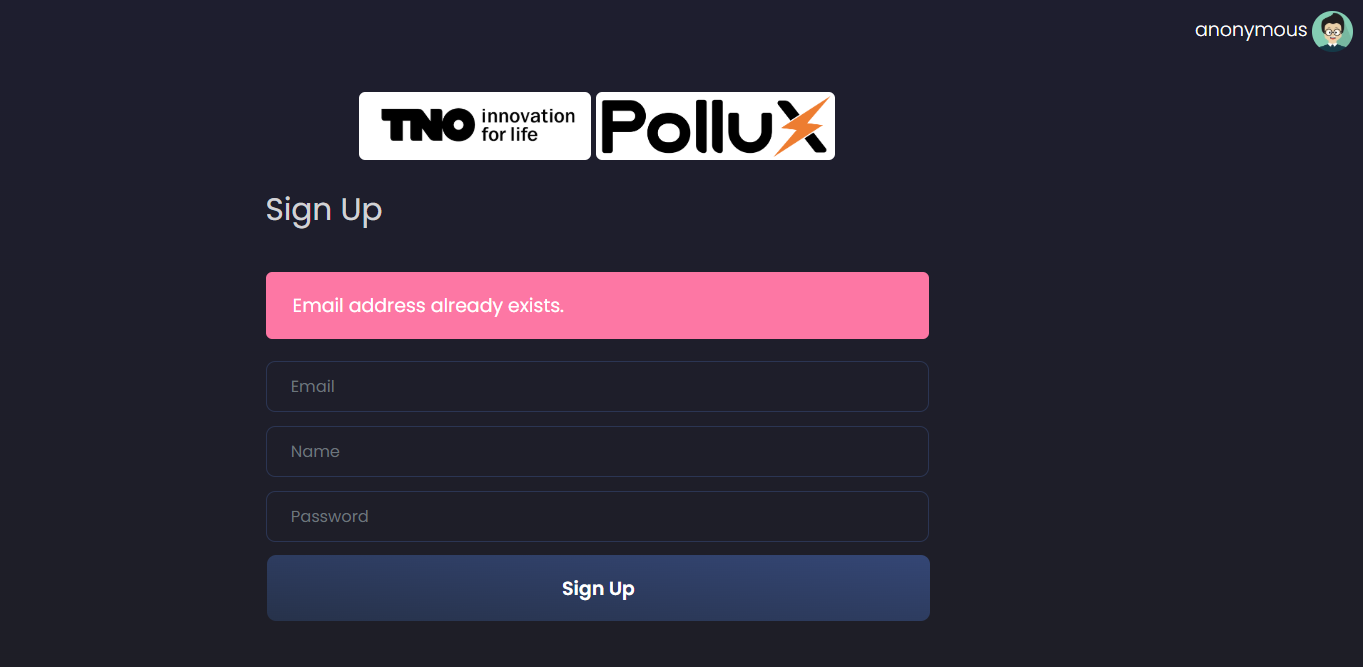
If failed, the error message will be displayed.
2.2.2. Sign In
A registered user can log in using their email address and password on the login page.
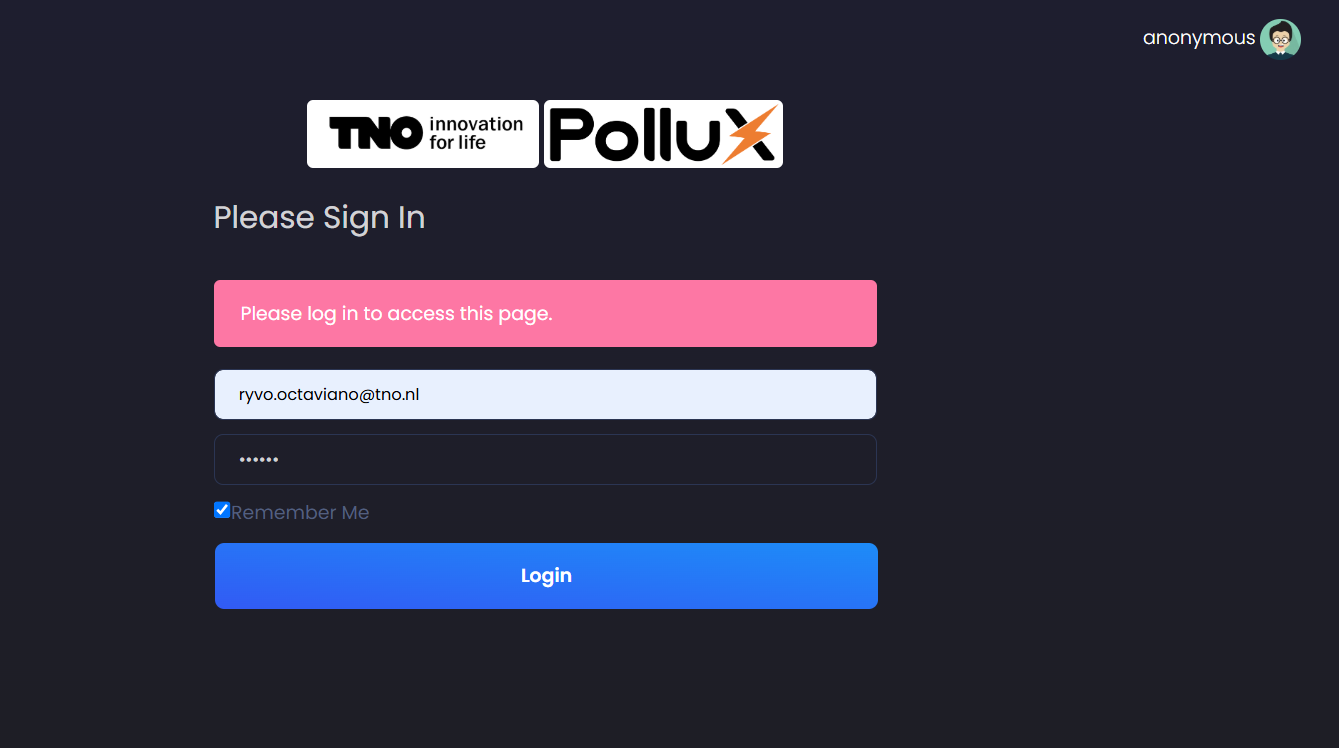
After logging in, you will be directed to the main page:
If failed, the error message will be displayed.

2.2.3. Log Out
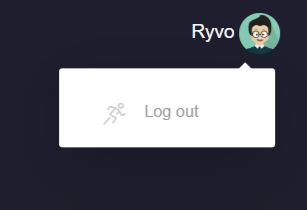
To log out, click on the user icon at the top right corner of the page and select the “Log Out” option.